From WordPress to full custom
There is a moment, in the life of an IT consultant, when you realise that the solution you use for your own site is becoming heavier than the problems it solves. For me that moment came in July, and it ended with a brand new site, written in pure PHP, with no database, no framework and a speed WordPress can only dream of.
This is the story of TheJackPC 4.0.
The WordPress legacy
Until 2026, thejackpc.com ran on WordPress. The classic setup: custom theme, a handful of plugins (SEO, cache, forms, backup...), a MySQL database and constant updates. It worked, but over time I started to feel the weight of:
- Security updates to apply almost every week.
- A database to maintain, just to store 7 service pages and a blog of 23 articles.
- Plugins that did useful things... but I didn’t know how they would evolve over the years.
- An admin interface that, for me as an IT consultant, was powerful but also cumbersome.
It was no longer for me.
The idea: back to basics
I wanted a site that was:
- Fast — zero database, zero queries.
- Secure — no third-party plugins, no SQL injection attacks.
- Very simple to maintain — surgical changes, not over-engineered.
- Bilingual (IT/EN), because many clients come from outside Italy.
- Keeping the original URLs — so as not to lose SEO ranking.
- With an admin panel, but essential and no frills.
So I did the only sensible thing for an IT consultant: I switched off WordPress and wrote everything from scratch in pure PHP, with only what was needed.
The architecture of the new site
The result is a site built like a minimalist application:
- Every page is a folder with its own index.php. No complex routing, no strange URL rewrites.
- The English pages live in /en/ and are automatic twins of the Italian ones.
- The blog is a simple index in a file — more than 20 articles, zero queries.
- Prices, reviews and the holiday banner are edited from the panel.
- The forms (contact, quotes, rental) use multi-layer security — no spam, no holes.
It is all hosted on ordinary shared hosting, and it works beautifully.
The migration step by step
1. Mapping the URLs
Before touching anything, I mapped all the original WordPress URLs. I decided to keep them 100% because the site already had a good reputation on Google, I didn’t want to manage 301 redirects, and external links (blogs, social, partners) had to keep working. Every article became a folder with the same address as before.
2. Extracting the content
I exported the content of every page and article manually (yes, manually): text cleaned of WordPress shortcodes, images kept on the server as a media archive, blog categories retained.
3. Writing the PHP engine
I wrote a set of simple, reusable functions: URL generation, safe HTML escaping, email validation by format and the domain’s MX record, sending via SMTP with a log on failure. No framework. No ORM. Just pure PHP, doing what it needs to do.
4. The bilingual system
Every Italian page has its twin in /en/: same structure, same handling logic. The English forms talk to the same Italian handlers, which reply in the right language.
5. The admin panel
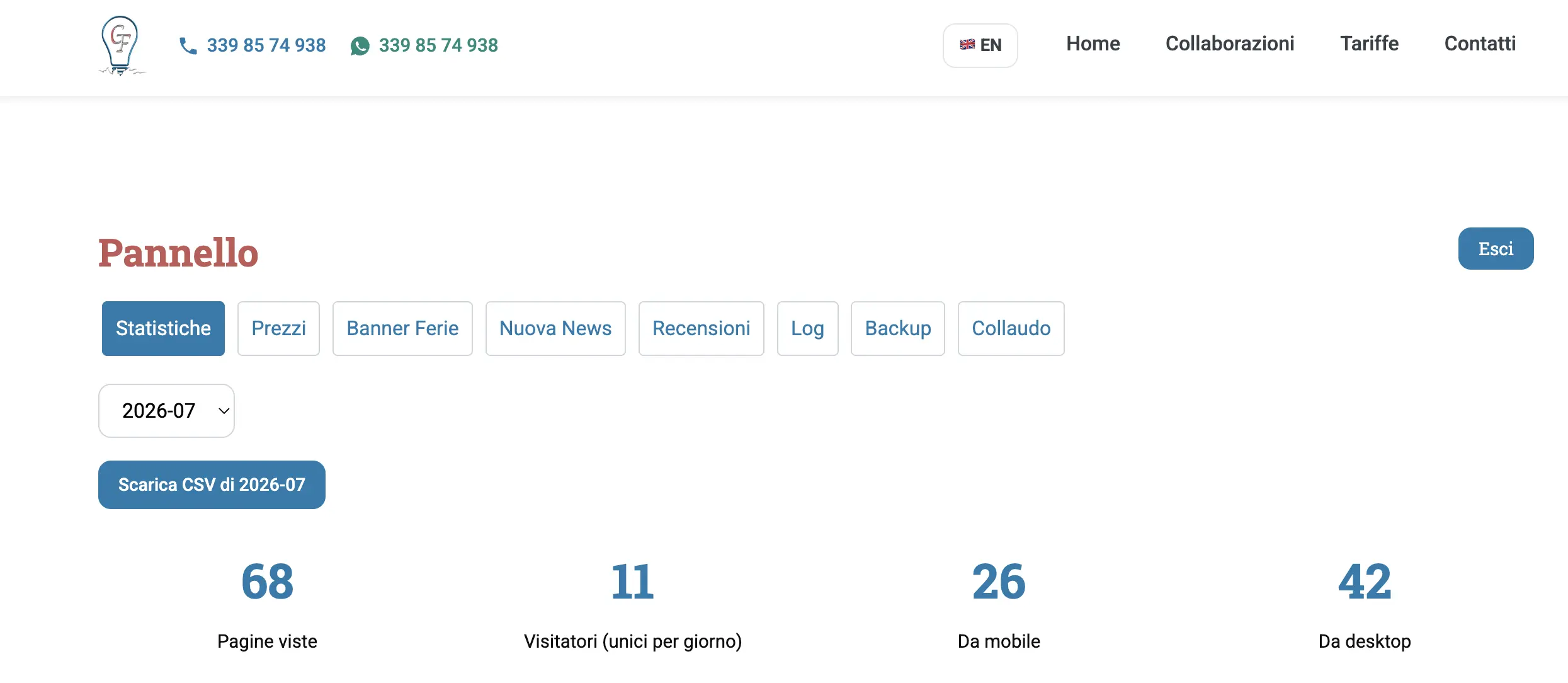
I wrote a light, protected panel that lets me edit prices and price lists, publish and delete blog articles, manage reviews, switch the holiday banner on and off, download encrypted backups and even run an automatic test of the whole site.
6. SEO and sitemap
Every page has a custom meta title and description in both languages, automatic hreflang tags (x-default included), and JSON-LD structured data for the home page and the articles. The XML sitemap regenerates itself at every publication.
The result: numbers and feelings
- Average load time: from about 1.2 seconds to about 180 milliseconds, without cache.
- 74 indexed URLs, all preserved.
- Zero SQL queries per page.
- Zero automatic security updates (but a manual check every 15 days).
- Maintainability: changing a price today means 2 clicks, not 5 steps in a CMS.
Lessons learned
- WordPress is powerful, but not always necessary. If you have a showcase site with static content and a blog, pure PHP is more than enough.
- Simplicity is security. Less code, fewer attacks.
- URLs are precious. Keeping them saved the SEO ranking and made the migration painless.
- A good custom panel is worth 100 plugins. You just need to know what you really need.
Want to know more?
If you are a consultant, a company or a professional thinking about leaving WordPress or other CMSs behind, I can help you do the same. You don’t need a database, you don’t need a framework: just a careful analysis of your needs and some well-written PHP.
Let’s talk about your migration over a